
In my previous blog I wrote about Invoice capture solution and it needed the Integrated power platform environment to set that up. New app like features in Dynamics 365 whether it’s Invoice Capture, Business Performance Analytics, Human Resources app, or Business Performance Planning—now requires an app setup within the Power Platform and most of the time we functionals just wait for our infra/dev team to set that up for us
This blog will help you to setup Power platform admin centre where you can now install these apps as 30 day trial to explore their full capabilities with ease.
Furthermore, you’ll also get the access of Microsoft Dynamics 365 Finance and Operations environment for free.
1. Account setup
First you need to get Project operations free trial for that Click Here
Click on Try for free
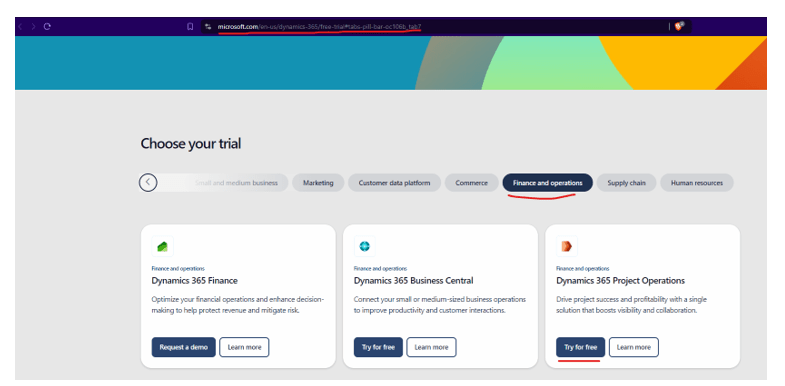
add your email and just follow the wizard and fill out information


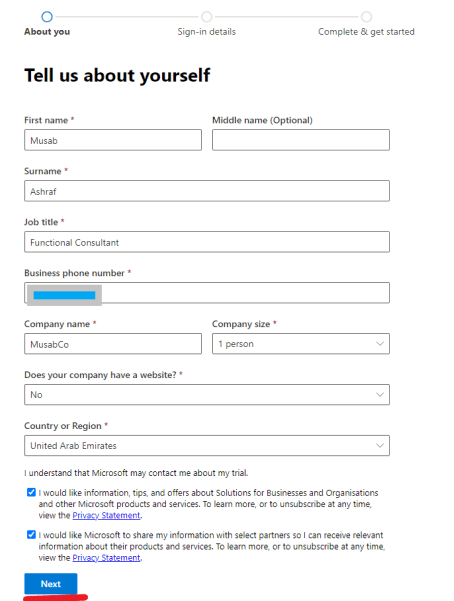
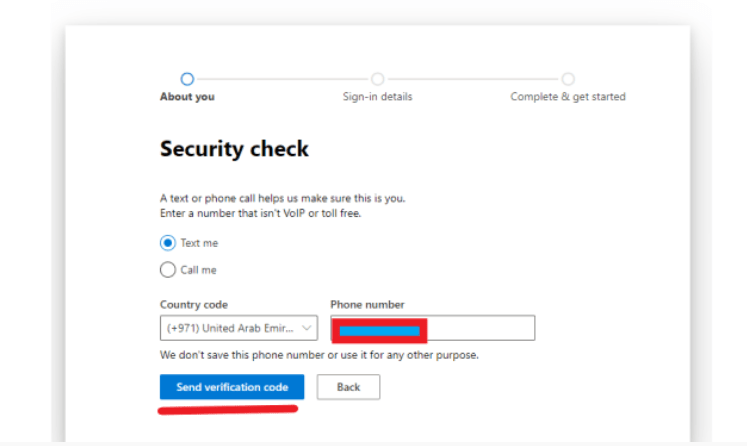
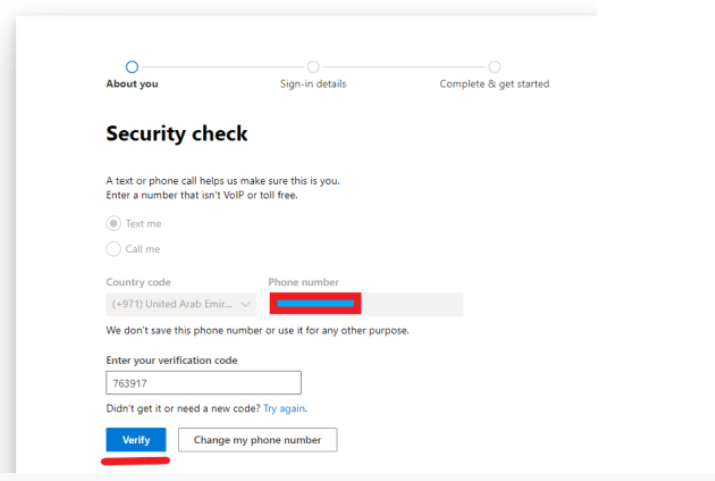
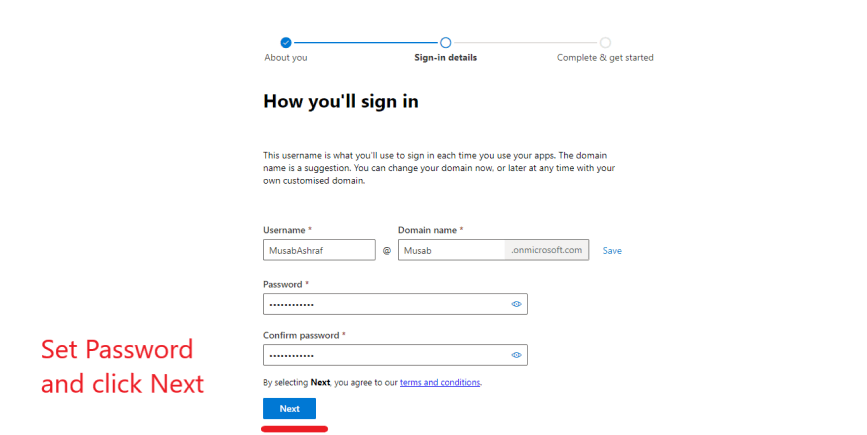
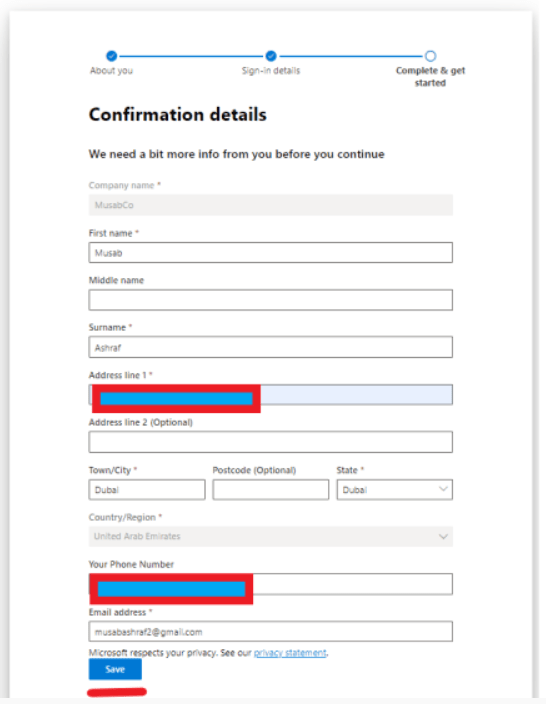
In next screen it will ask for payment method which is only for verification and no deduction will be made
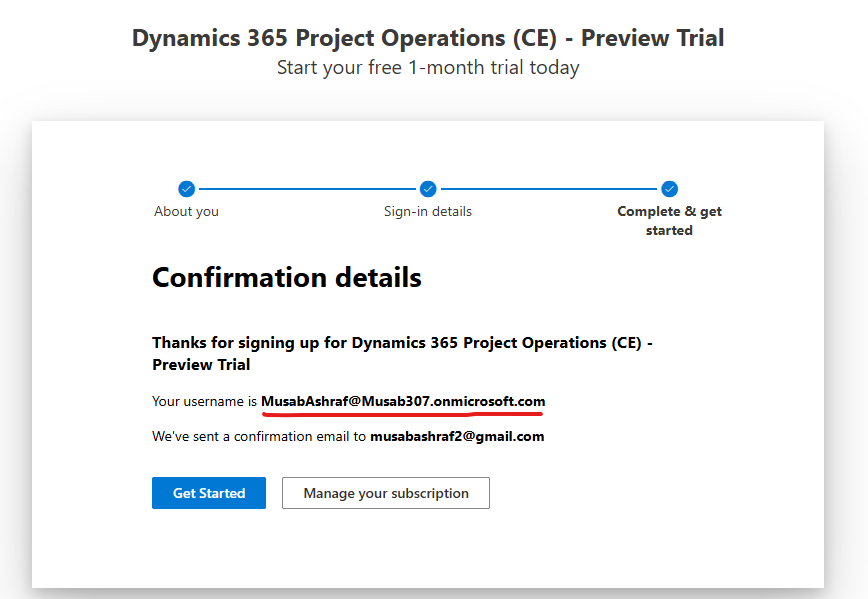
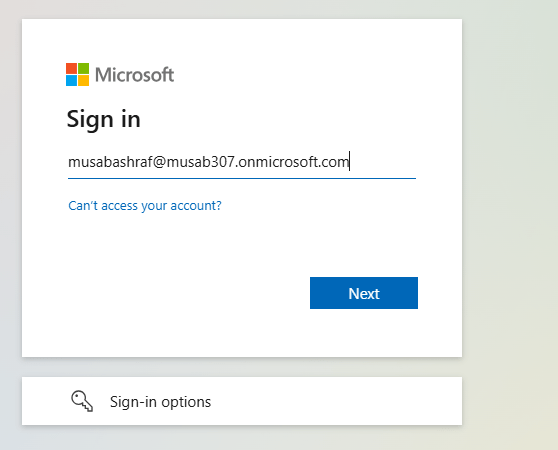
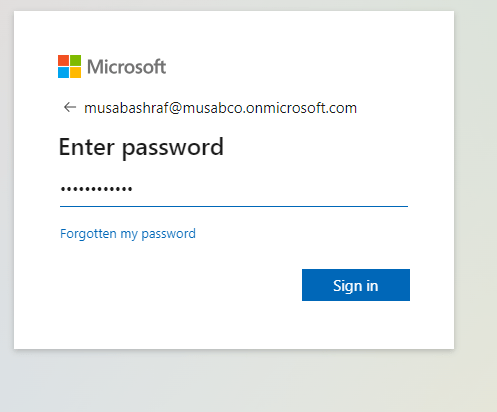
Now login using the username and password that you set
2. Project Operation Setup
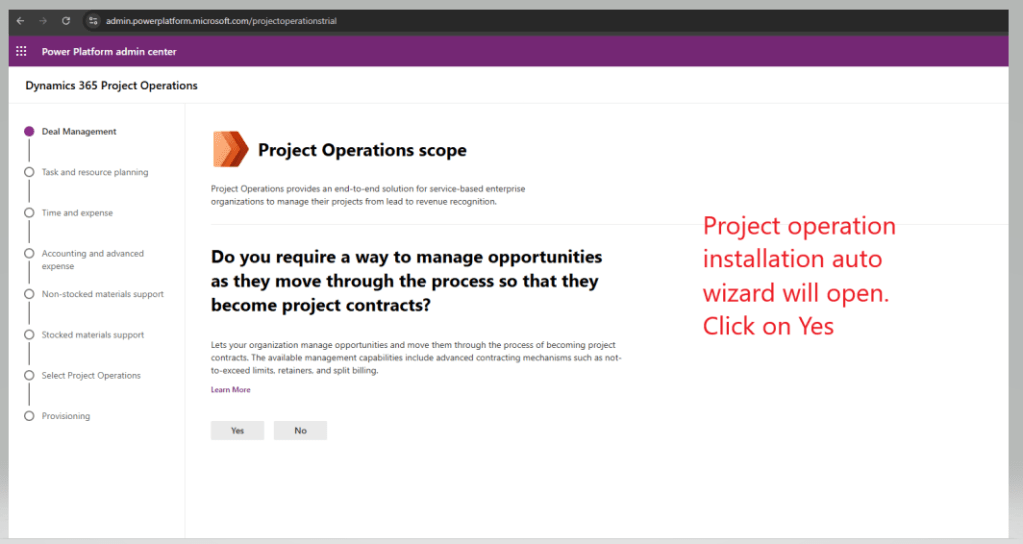
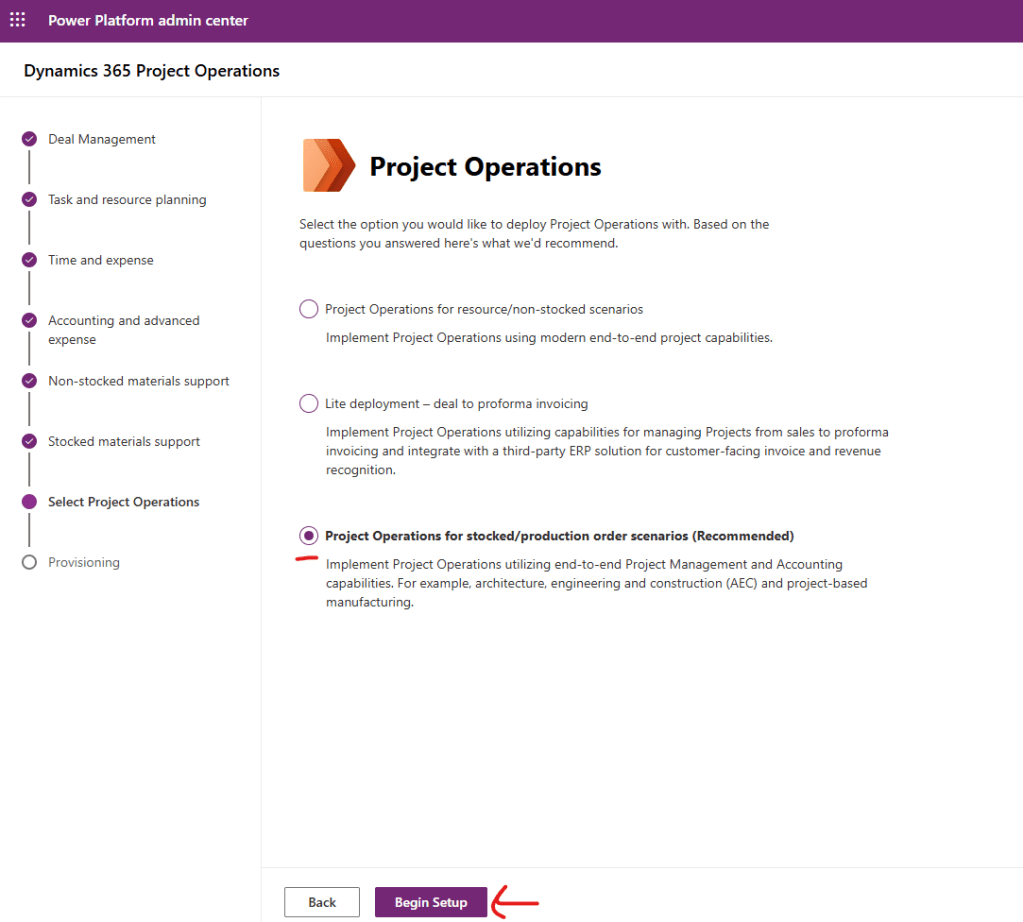
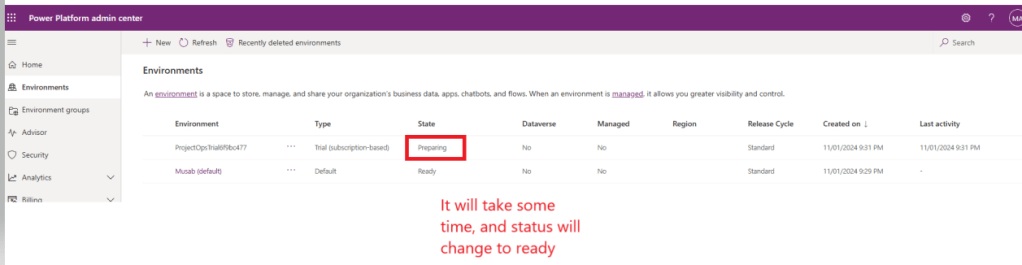
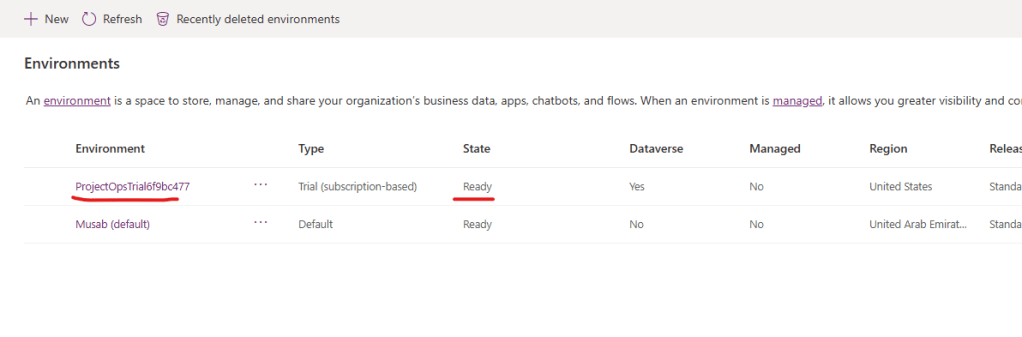
Now click on ProjectOps enviroment
You’ll find the Finance and operation URL here
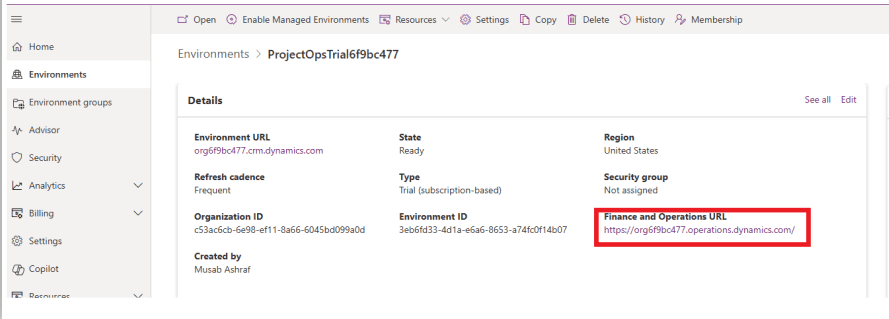
By this way you can get 30 day trial of D365 Finance and Operation environment.
Thank you.
 IntelliDax
Leave a comment